
📲 Weekly Story: Check Your Home Value
🎯 Strategy
Sharing personal, helpful, or local content first builds trust. Then, pivot to a simple, actionable real estate tip—like checking your home’s value. This helps your audience see you as both relatable and an expert, without feeling pushy.
✨ No need to be polished—real photos and simple text work best.
⏰ Time to Create: 5–10 minutes
📸 Story Sequence Ideas:
📸 Story Sequence Idea:
Sequence 1: Market Surprise
Slide 1: Local street or neighborhood shot
Text: “You won’t believe how much homes here have changed in value recently…”
Slide 2: Personal context
Visual: You walking the dog or sipping coffee
Text: “I love seeing how our small-town market shifts—sometimes it’s surprising!”
Slide 3: CTA pivot
Visual: Screenshot of home value tool
Text: “Curious what your home might be worth? 🏡 Tap here for a free estimate.”
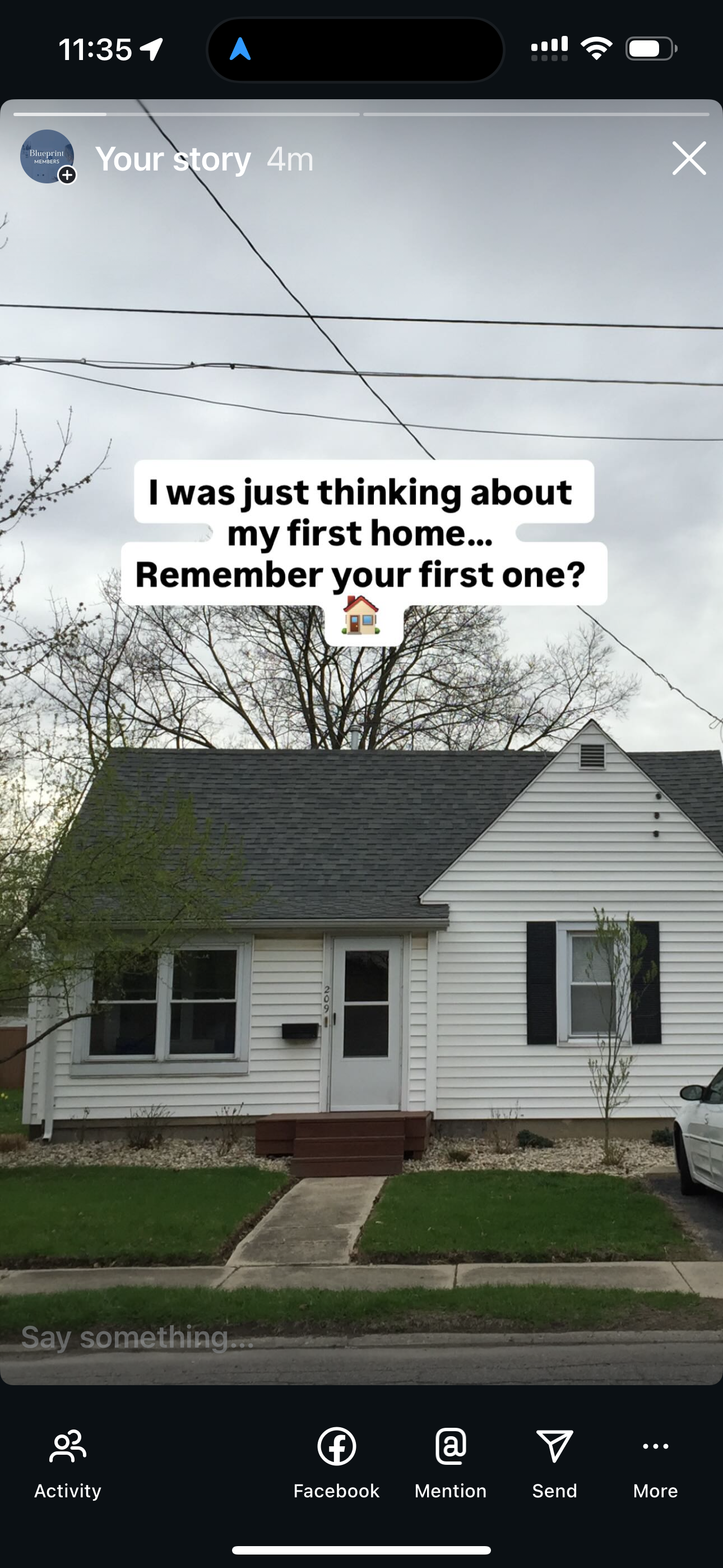
Sequence 2: Relatable Hook
Slide 1: Coffee, morning walk, or casual workspace
Text: “I was just thinking about my first home… remember your first one?”
Slide 2: Personal story
Visual: Old house photo or local landmark
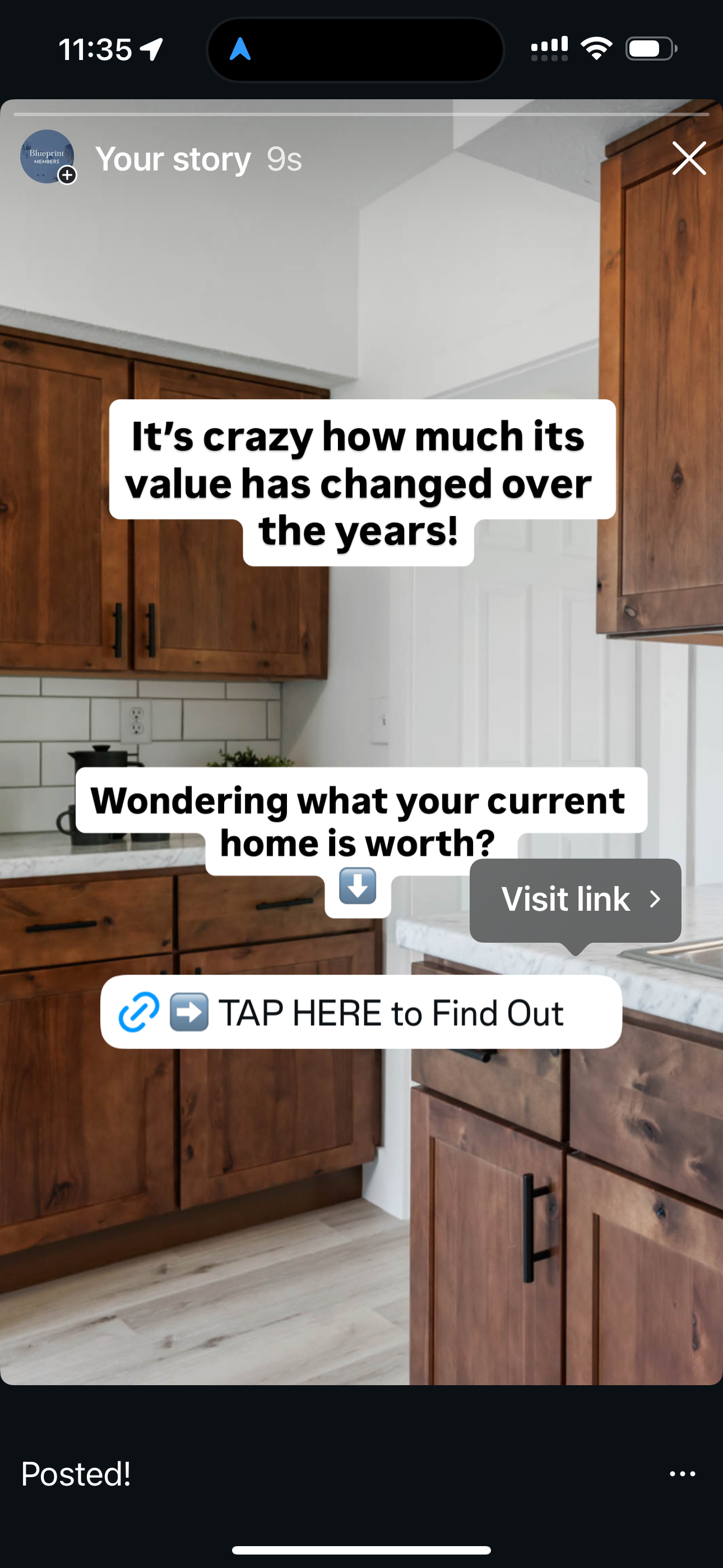
Text: “It’s crazy how much its value has changed over the years!”
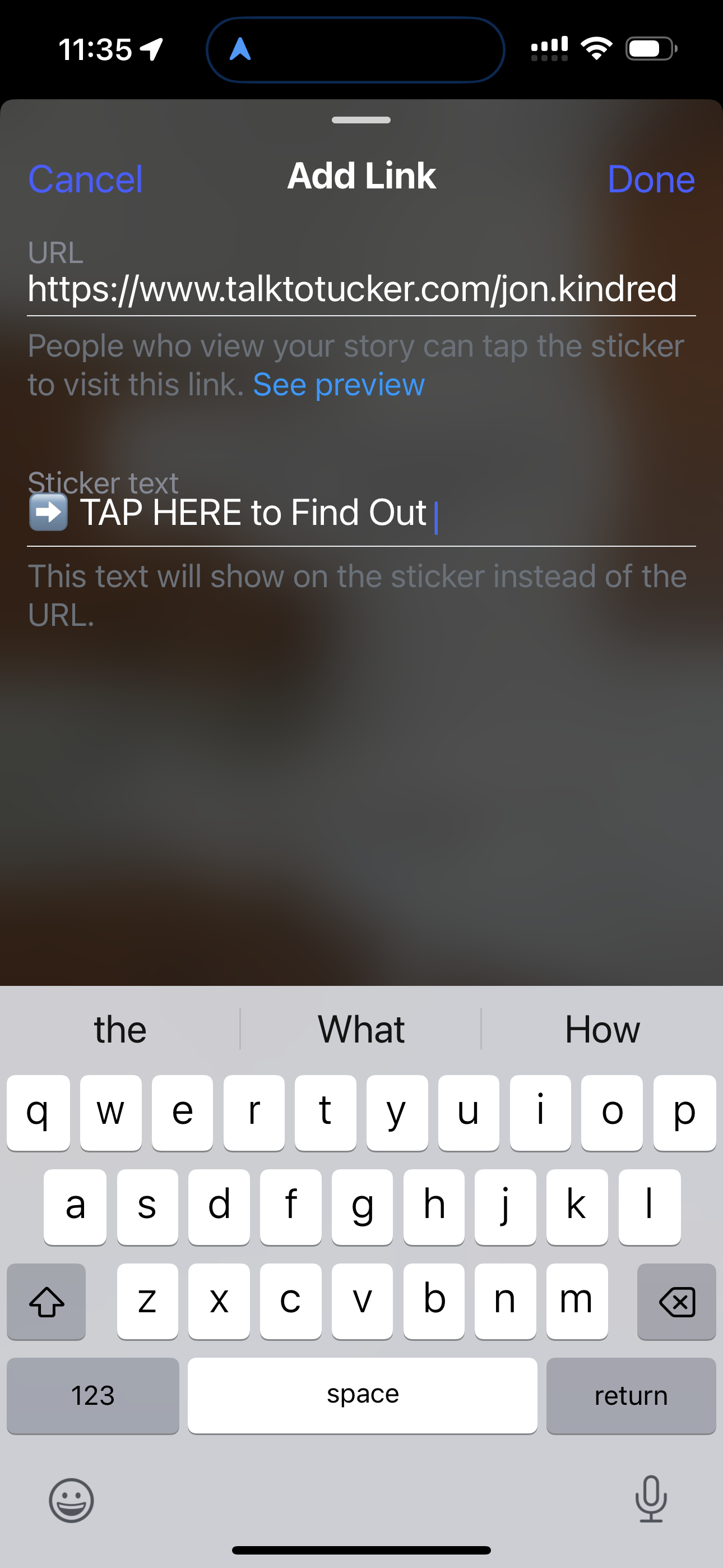
Slide 3: CTA
Visual: Home value website screenshot
Text: “Wondering what your current home is worth? Tap here to find out in a minute.”
Sequence 3: Did You Know? (Curiosity Angle)
Slide 1: Eye-catching stat or fun fact
Text: “Did you know homes in our town have increased an average of X% this year?”
Slide 2: Personal tie-in
Visual: Walking around a local street or showing a home
Text: “It makes me curious… how much have my neighbors’ homes grown in value?”
Slide 3: CTA
Visual: Home value tool screenshot
Text: “Tap here to see what your home is worth today 🏡”
Sequence 4: Local Highlight / Lifestyle Angle
Slide 1: Local park, café, or iconic spot
Text: “I love our small-town charm… but did you know it affects home values too?”
Slide 2: Personal touch
Visual: You enjoying the spot (coffee, walk, lunch)
Text: “Places we love actually make a difference in what homes sell for.”
Slide 3: CTA
Visual: Home value tool
Text: “Curious what your home could sell for? Tap here for your free estimate.”
Sequence 5: Tease the Answer
Slide 1: Text-only curiosity hook
Text: “I was surprised by how much homes here are selling for lately…”
Slide 2: Personal tie
Visual: You looking at a laptop or clipboard
Text: “Some neighbors even got way more than they expected!”
Slide 3: CTA
Visual: Home value tool screenshot
Text: “Wondering what your home might be worth? Check your value here 🏡”