

Welcome Members
We are so glad you are here!
If you need guidance on navigating the site, click the button below to watch a quick tutorial.
Monthly Content Calendar
💻 If viewing on a Laptop…
→Hover over an image to preview the content idea.
→Click the image to access the video tutorial, caption prompt, and content checklist for the week.
📲If viewing on Mobile
→Click the Grey Squares on the Calendar to read a preview on the content idea or
→Click “View Monthly Content List”Button the access the video tutorial, caption prompt, and content checklist for the week.

Monthly Training:
Use Canva Templates for Your Posts
Use Canva Templates for Your Posts
Set Your Brand, Save Time, and Post with Ease
🎥 Canva Overview (40 Minutes)
Learn how to make the most of your templates so you’re not starting from scratch every time.
✅ You’ll Learn:
How to set up your brand fonts, colors, and logo
Easy ways to customize templates for listings or updates
How to post or schedule directly to Instagram and Facebook from Canva
Tips to keep your designs organized and ready to go
This training is all about helping you create fast, on-brand content—without the stress.
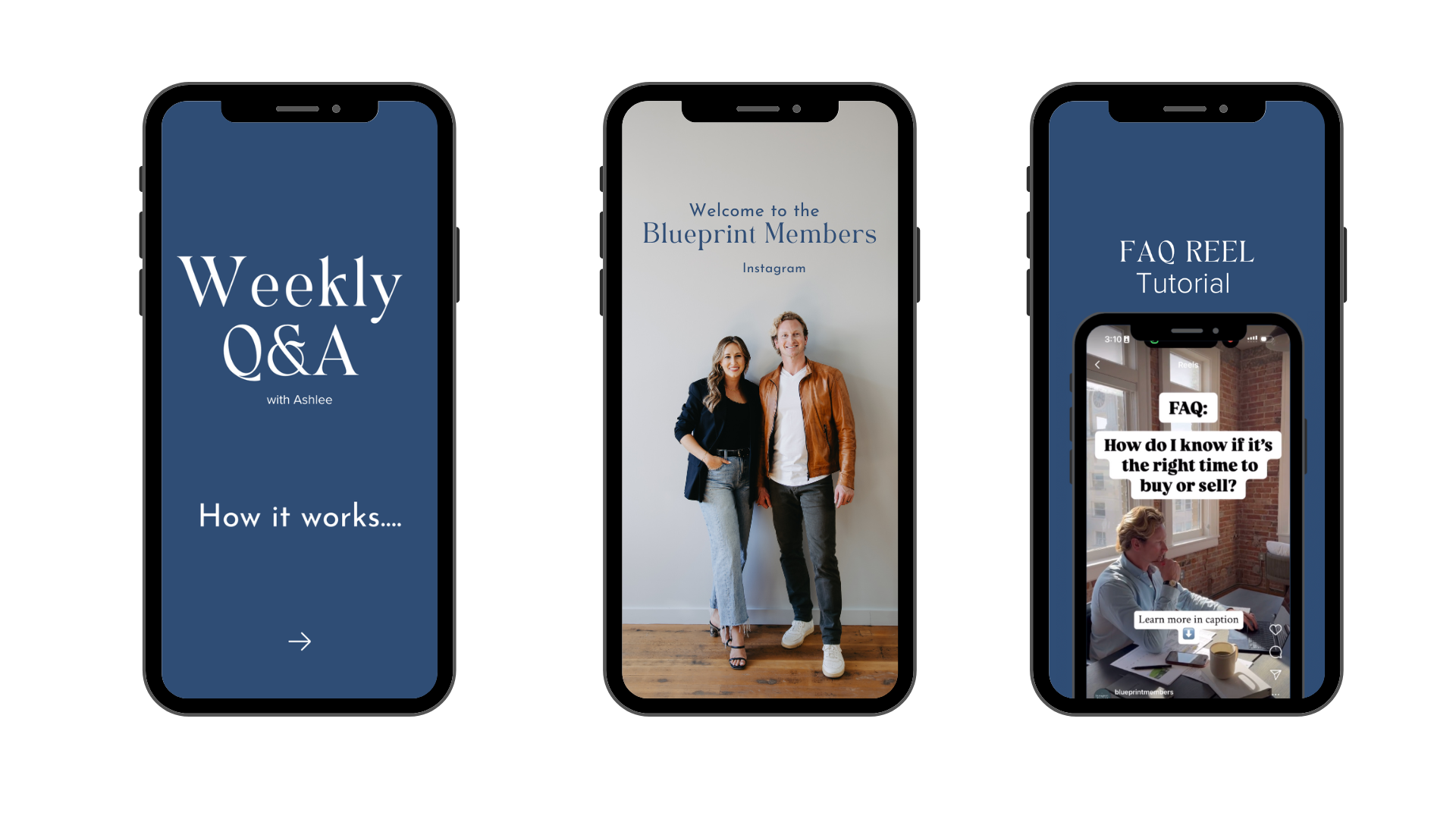
JOIN THE
BLUEPRINT MEMBERS Instagram
Ongoing Support: If you hit a roadblock or have questions, our private Instagram group is here for you.
We’ll help you navigate social media challenges and keep you moving forward.
In the Blueprint Member Instagram, you get access to:
- Weekly Q&A with Ashlee – Get your questions answered and stay on track.
- Post Examples – Swipe through real examples of posts to see how they’re structured and set up for inspiration.